My Shopping Cart

{{ item.title.replace('/[^A-Za-z0-9-, ]/', '') }}
{{option.group}}: {{option.name}}
{{option.option_name}}
{{item.custom.numberOfItems * item.quantity}} x ${{(item.price / item.custom.numberOfItems ).toFixed(2)}}
Qty
Tax
${{totaltax.toFixed(2)}}
Subtotal
${{total.toFixed(2)}}
QUOTE

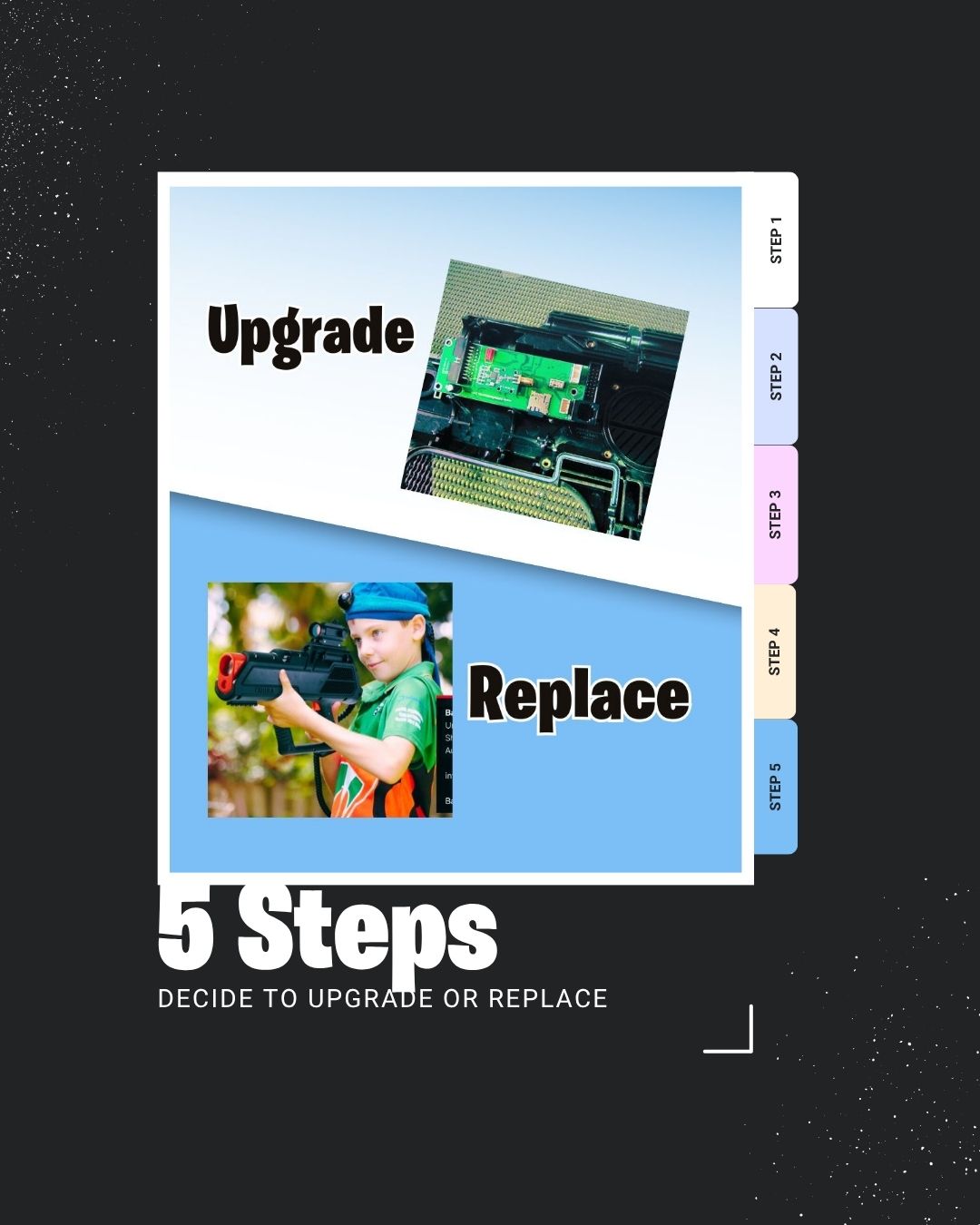
Upgrade or Replace

Upgrade or Replace? Your No-BS Guide


 Your laser tag business is thriving. Bookings are steady, players are having fun, and your team knows every tagger by heart.

But recently, your once-reliable gear has started showing its age. A few taggers glitch mid-game. Batteries won’t hold a charge. SD cards are failing.

Now you’re asking the question every operator faces sooner or later: Should you upgrade your laser tag system or replace it with new commercial gear?


upgrade or replace?

That’s a smart question — and the right answer depends on your setup, budget, and business goals. 

 At Battlefield Sports, we’ve been helping operators around the world build, upgrade, and future-proof their laser tag businesses for more than 20 years. 

Here’s our no-BS guide to making the right call.


 The Problem: When Laser Tag Equipment Stops Serving You

Commercial laser tag systems are built tough — but even the best gear has a lifespan.

Over time, constant use, weather exposure, and vibration take their toll.

When you spend more time troubleshooting than running events, your equipment isn’t serving you anymore; you’re serving it. 

 The good news?

You can get back in control with a clear plan.

Let's face it. When your old equipment is not working right, it's exhausting! We know how you feel. This actually a comon problem. Because commerical laser tag equipmetn is long lasting, sometimes it out-stays it's welcome. We've been there!


upgrade or replace? step 1

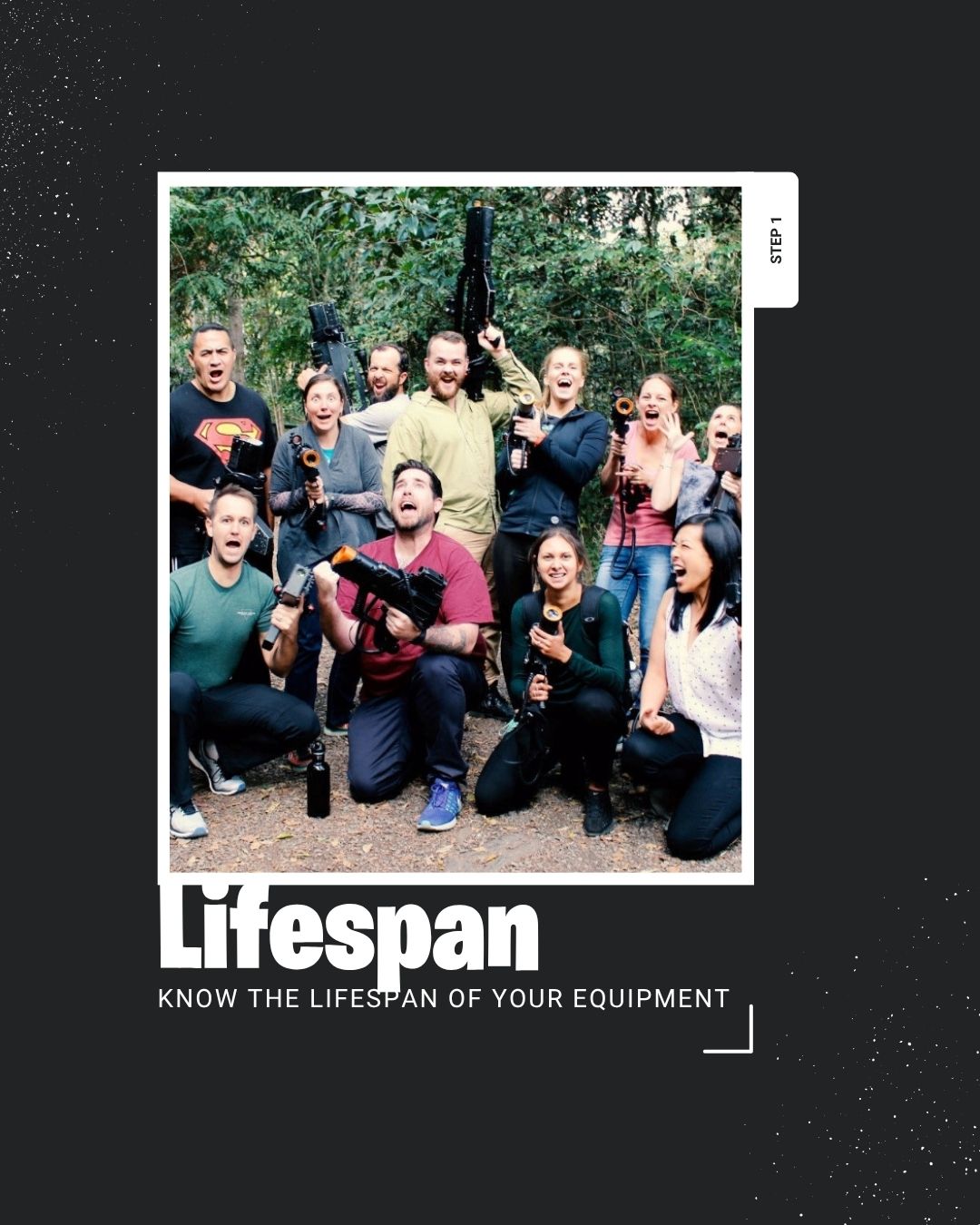
Step 1: Know the Lifespan of Your Commercial Laser Tag System

A professional-grade laser tag system can last a decade or longer if properly maintained. Some Battlefield Sports systems from the early 2000s are still running games today.

This is proof that quality design and modular hardware pay off.

But not every component lasts equally. Your system has a few critical parts that determine its lifespan and reliability.

Let’s break it down.

The Motherboard: The Brain of Your Tagger Your motherboard runs your SATR software and controls firing, hit detection, sound, and communication. Think of it as the tagger’s engine.

Typical lifespan: 7–10 years (depending on environment and usage). Warning signs it’s failing: 

 Random resets or mid-game dropouts. Triggers or sensors are not responding. Firmware updates won’t install. 

If your motherboard shows these symptoms, it’s time to replace it.


 ⚙️ Pro tip: After running SATRINIT, make sure every tagger has a unique ID number — duplicate IDs cause serious communication issues.


The SD Card: Small but Crucial for Performance. Your SD card might seem minor, but it stores your tagger’s sounds, settings, and scoring data — all essential for smooth gameplay. 

Typical Lifespan: 3–5 years under regular commercial use. Common warning signs: Corrupted sound or inconsistent behavior, “NO SD CARD” error messages.

Slow or unreliable sound effects. 

Unlike motherboards, SD cards are cheap and quick to replace — but they must be ordered through Battlefield Sports. Copying files from an old SD card to a new one won’t work properly and can slow down or corrupt your sound library.


upgrade or replace? step 2

Step 2: Recognize When Maintenance Becomes Too Much

Routine updates and calibration are normal. But when maintenance starts cutting into your event schedule, it’s time to reevaluate.

Here’s a useful benchmark: If repair costs exceed 40–50% of the price of a new unit, replacement makes better long-term sense.

Example costs:

Motherboard: $120 USD Battery: $45 USD 

 Adapter cables (for pre-2013 units): $8.25 USD 

 Add labor and downtime, and you’re close to the cost of a new Cobra tagger ($550 USD).

Running a mix of old and new software across your fleet (“Frankenstein systems”) can also cause chaos on event days: mismatched firmware, inconsistent gameplay, and staff confusion.


upgrade or replace? step 3

Step 3: Software Compatibility & Player Experience

Laser tag tech evolves fast, and Battlefield Sports’ SATR3 live-action system represents the latest leap in reliability, gameplay, and features.


Older motherboards can’t run the newest firmware (SATR1 and SATR2 systems aren’t compatible with

SATR3). That means you could be missing out on: 

  •  New game modes
  • Improved scoring and scoreboard design
  • Easier staff training and lock-out features
  • Self-diagnostics and smarter performance 

Players may not see the motherboard version.

But they’ll feel it when the tagger fails mid-game.

And when reliability defines your reputation, every trigger pull matters.


upgrade or replace? step 4

Step 4: Compare Costs: Upgrade vs. Replace

When it comes down to it, you'll need to compare the cost of investing in your upgrade or replacements.


Upgrading extends lifespan for a few more seasons. 

Replacing offers unified firmware, fewer maintenance issues, and a full warranty.


upgrade or replace? step 5

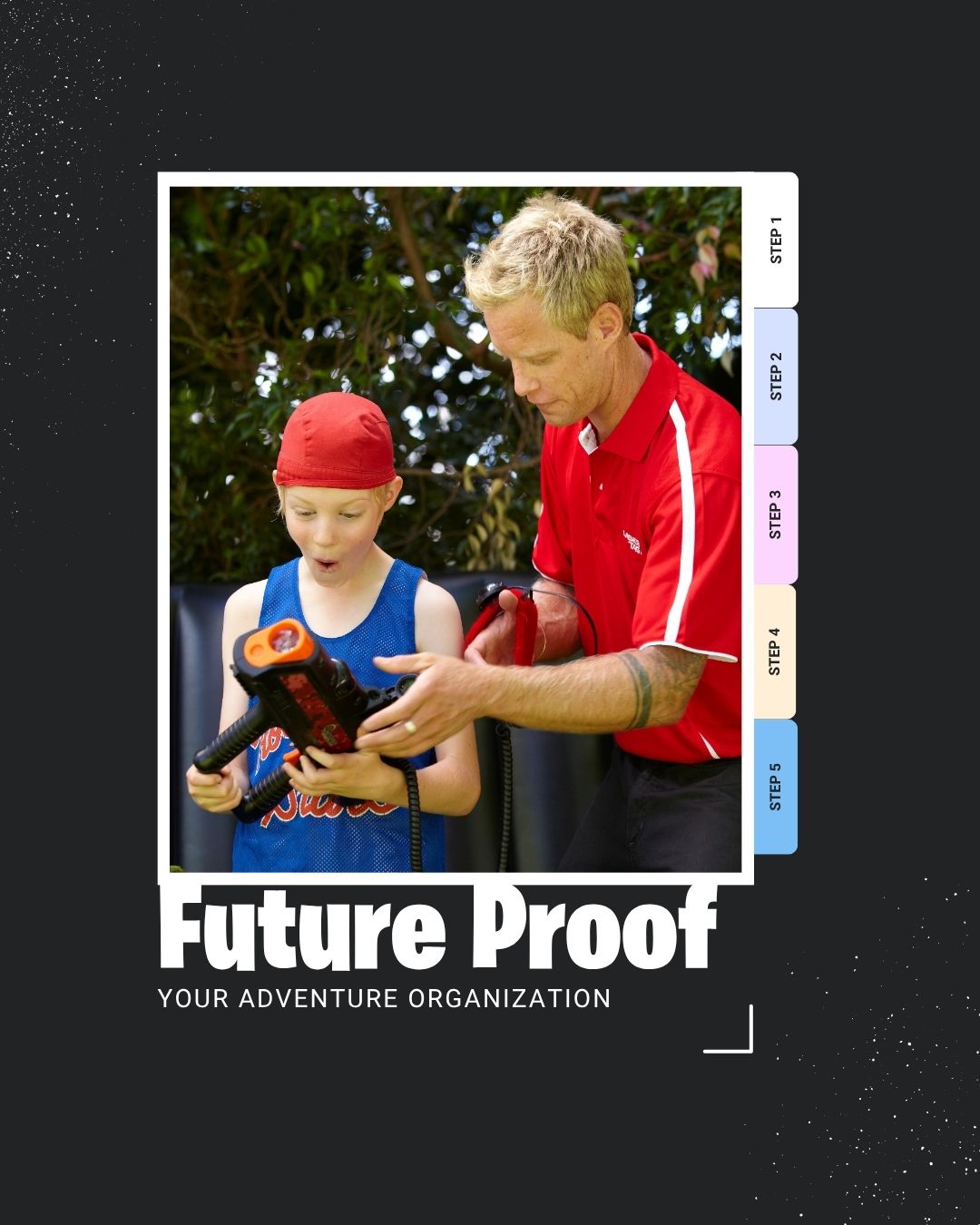
Step 5: Future-Proof Your Laser Tag Business

Thinking about expansion? Maybe moving from mobile to a fixed arena, or scaling up your fleet from 24 to 48 taggers?


Your next decision should focus on scalability. Modern Battlefield Sports systems are designed for growth and longevity: 

⚡ Faster game resets for higher throughput 

💡 Enhanced scoreboard experience 

 🌧️ IP65 weather-resistant housings 

 📡 Digital radio mesh network (no Wi-Fi required) 

 🎮 Support for new SATR3 game modes like Heist, Bullseye, and Hot Spots

As software evolves, support for older systems naturally tapers off.

Choosing modern equipment keeps your business running smoothly and your players coming back.


 When to Upgrade Your Laser Tag System

Upgrade instead of replace when: 

✅ Your cases are solid and undamaged 

✅ Only a few units have issues 

✅ Your gear is less than 5 years old 

✅ Your system runs the current SATR3 software


 Upgrading select parts like motherboards, SD cards, and batteries can breathe new life into your setup for a fraction of the cost.


When to Replace Your Laser Tag Equipment

Replacement is the smarter move when: 

🚫 Your system is more than 7–10 years old 

🚫 Firmware or parts are discontinued 

🚫 You’re losing time to constant repairs 

🚫 You need the latest SATR3 features and game modes


A full refresh gives you a more reliable system, unified software, and consistent performance — freeing you to focus on players and profit.


upgrade or replace?


The Bottom Line: Upgrade or Replace?

If your system still performs well and remains compatible, targeted upgrades can extend its life and protect your margins. But if your gear is outdated, unreliable, or incompatible with new software, replacement is the smart, future-proof investment. Your laser tag gear should work for you — not the other way around.


Next Steps: Build Your Battlefield Plan

Here’s how to decide with confidence: Run a SATR System Health Check Log for each tagger’s firmware version, recent repairs, and known issues. Talk to Battlefield Sports: Our team will give you an honest, transparent assessment of what’s serviceable, what’s near end-of-life, and which upgrades give the best ROI. Get a Clear Upgrade or Replacement Plan: So you can keep your operation running smoothly — season after season. 

 👉 Book Your System Health Check Today [Contact the Battlefield Sports Team]

Keep your business battle-ready and your players coming back for more.


©2026 All rights reserved

FatGalah

Close
GDPR Information
Necessary
Functional
Tracking

GDPR (General Data Protection Regulation): A European law that helps protect people’s personal data and privacy. It sets guidelines for how organizations handle personal information and gives individuals rights to access, correct, or delete their data.

Necessary

Session Cookie

A session cookie is a temporary cookie used to maintain user activity during a browsing session and is deleted when the browser is closed.

GDPR Cookie

Session cookie (GDPR): A temporary cookie used only to enable essential website functionality during a user’s session and deleted when the browser is closed.

Functional

Used to provide live chat and customer support functionality, allowing visitors to communicate with our team in real time.

Used to manage and deploy website tags from one place. Google Tag Manager itself does not collect personal data, but it may load other tools that do.

Tracking

Used to collect anonymous information about how visitors use our website, such as pages visited and time spent on the site. This helps us improve website performance and user experience.

Marketing - Section